WordPress is flexible, familiar, and widely supported, which makes it a strong choice for many small business websites. It is also common enough that attackers regularly target weak passwords, outdated plugins, abandoned themes, and poorly maintained hosting environments.
For a small business, a hacked website can mean lost leads, broken forms, spam redirects, malware warnings, damaged trust, and emergency cleanup costs. Security is not one plugin or one setting. It is a set of habits that protect your website, domain, hosting, email, and customer experience.
Oxford County Web Design helps local businesses with managed website hosting, WordPress development, and quick website fixes and add-ons.
Keep WordPress, Themes, and Plugins Updated
The official WordPress hardening guide recommends keeping WordPress current because updates often include security fixes. The same logic applies to themes and plugins. Outdated plugins are one of the most common risk points on small business websites.
Remove anything you are not using. A disabled plugin can still become a problem if it remains installed and vulnerable. Keep your plugin list lean, choose reputable tools, and avoid stacking multiple plugins that do the same job.
Use Strong Logins and Limit Access
Every administrator should use a unique password and two-factor authentication where possible. Avoid shared admin accounts. Create individual users, give each person only the role they need, and remove access when a staff member, contractor, or vendor no longer works on the site.
Most small business websites do not need many administrators. Editors can manage content. Shop managers can handle ecommerce tasks. Developers can be added temporarily when work is being completed and removed when the project is finished.
Back Up the Whole Website
A backup plan should include the database, media uploads, theme files, plugin files, and configuration details. Store backups somewhere separate from the live website. If every backup sits on the same server as the hacked site, recovery becomes harder.
Test restores periodically. A backup is only useful if it can be restored. For a business website, you want to know before an emergency that the backup is complete and the recovery process works.
Protect Your Domain, DNS, Hosting, and Email
Website security extends beyond WordPress. Your domain registrar, DNS account, hosting account, business email, payment provider, and analytics tools all matter. Use strong passwords and two-factor authentication on each account.
Keep ownership under a business-controlled email address. If the only person with access is a former contractor or staff member, routine updates can turn into a serious business problem.
Secure Forms and Lead Notifications
Contact forms should use spam protection, server-side validation, and clear notification routing. If your form breaks silently, leads may disappear without anyone noticing. Test key forms regularly and pair important submissions with conversion tracking through analytics and reporting.
Do not collect sensitive information unless you genuinely need it. Keep forms short, secure, and easy to complete on mobile.
Use Monitoring and a Recovery Plan
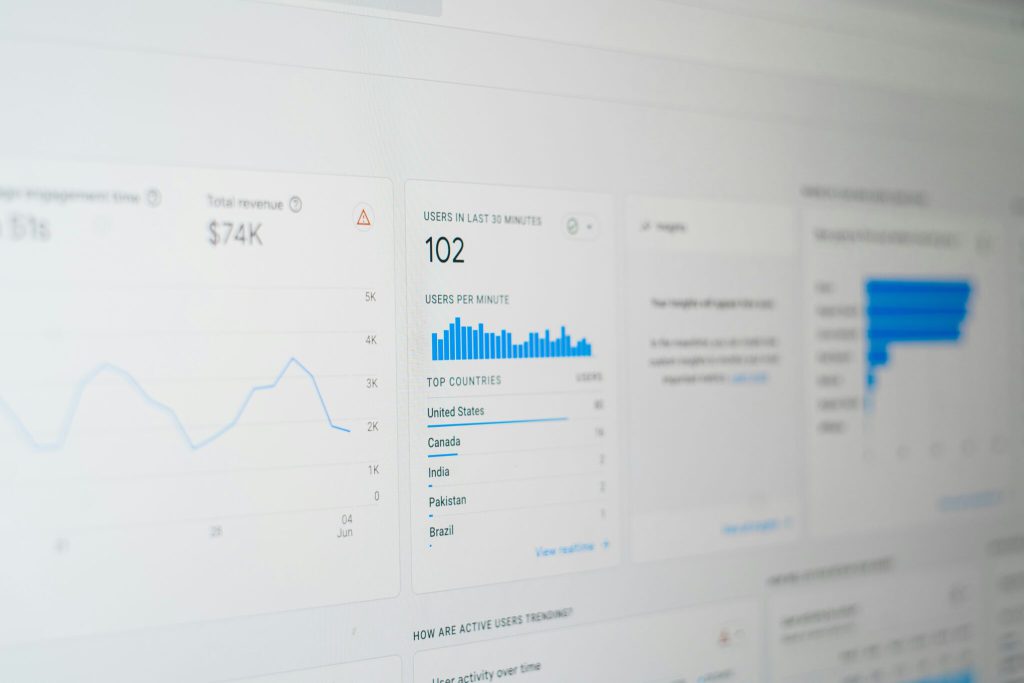
Security plugins, web application firewalls, and malware scanners can help, but they do not replace maintenance. Monitor uptime, malware warnings, suspicious logins, broken forms, and Google Search Console security issues.
Write down where the domain is registered, who controls hosting, where backups are stored, who receives alerts, and who can make emergency changes. A short recovery plan saves time when the website is down or compromised.
WordPress Security Checklist
- Update WordPress core, themes, and plugins.
- Delete unused plugins and themes.
- Use unique passwords and two-factor authentication.
- Limit administrator accounts.
- Back up files and database offsite.
- Test restores before an emergency.
- Protect domain, DNS, hosting, email, and payment accounts.
- Monitor uptime, malware warnings, forms, and Search Console alerts.
- Keep a written recovery plan.
Get Help Securing Your WordPress Site
If your WordPress website has not been updated in months, has unknown plugins, or depends on one person’s login, it is worth reviewing now. Oxford County Web Design can help with secure hosting, plugin cleanup, backups, maintenance, and WordPress fixes. Start with managed hosting or contact us for a security review.