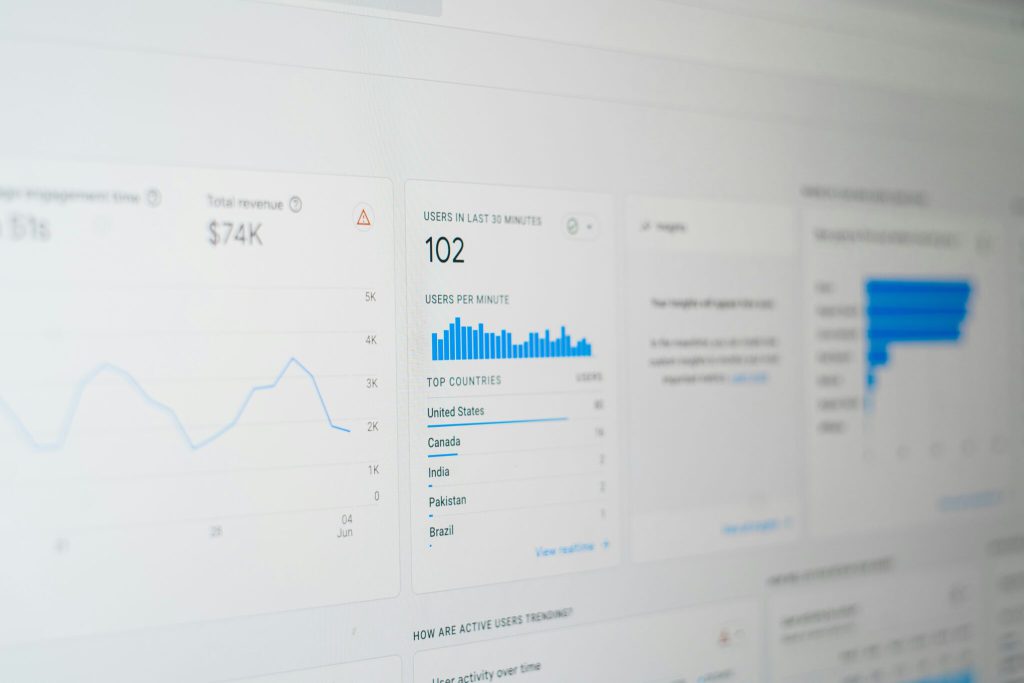

Google’s Core Web Vitals are performance metrics that describe how real people experience a web page. They focus on loading speed, responsiveness, and visual stability. In plain language: does the page load quickly, respond when someone tries to use it, and stay steady while it loads?
Core Web Vitals are not the only thing that matters for SEO, but they are part of Google’s page experience guidance. Google recommends achieving good Core Web Vitals for search success and for a better user experience overall. If your site feels slow or jumpy, Oxford County Web Design can help with website development, hosting, and SEO improvements.
The Three Core Web Vitals
According to Google Search Central and web.dev, the current Core Web Vitals are Largest Contentful Paint, Interaction to Next Paint, and Cumulative Layout Shift.
Largest Contentful Paint
Largest Contentful Paint, or LCP, measures loading performance. It looks at how long it takes for the largest visible content element to appear in the viewport. For a good user experience, LCP should happen within 2.5 seconds of when the page starts loading.
Common LCP problems include oversized images, slow hosting, render-blocking scripts, too many third-party tools, and unoptimized hero sections. A local service page with a large uncompressed banner image can feel slow even if the rest of the site is simple.
Interaction to Next Paint
Interaction to Next Paint, or INP, measures responsiveness. It looks at how quickly a page responds after a user clicks, taps, or types. A good INP score is 200 milliseconds or less.
INP is important because many websites load quickly enough but feel sluggish once the visitor tries to open a menu, submit a form, or interact with an embedded feature. Heavy JavaScript, bloated plugins, and complex third-party scripts often create INP problems.
Cumulative Layout Shift
Cumulative Layout Shift, or CLS, measures visual stability. A good CLS score is 0.1 or less. If text, buttons, ads, images, or banners move after the page appears, users can lose their place or tap the wrong element.
CLS usually improves when images and embeds have defined dimensions, fonts are loaded carefully, and popups or banners do not push existing content around unexpectedly.
How to Measure Core Web Vitals
Start with PageSpeed Insights. It combines lab testing with real-user field data when enough field data is available. Then review the Core Web Vitals report in Google Search Console to see whether groups of URLs pass or fail.
You can also use Oxford County Web Design’s free page speed checker for a quick test. For deeper work, compare your home page, service pages, blog posts, and ecommerce pages separately. One fast page does not mean the entire site is fast.
How to Improve Core Web Vitals
- Improve LCP: Compress images, use modern image formats, choose faster hosting, reduce unnecessary scripts, and make the main content load early.
- Improve INP: Reduce heavy JavaScript, remove unused plugins, simplify front-end interactions, and delay nonessential third-party scripts.
- Improve CLS: Set image dimensions, reserve space for embeds, avoid late-loading banners that shift content, and test mobile layouts carefully.
Core Web Vitals and SEO
Performance alone will not make thin content rank. A page still needs helpful content, clear structure, relevant internal links, and a strong match to search intent. But when two pages are similar in relevance and trust, a faster and more usable page has an advantage. Better performance also helps visitors stay long enough to read, call, book, or buy.
Improve Your Website Performance
If your website is slow, hard to use on mobile, or weighed down by plugins, a focused performance audit can identify the best fixes. Oxford County Web Design can help improve speed, hosting, structure, and SEO. Start with our web design and development services or book a consultation.